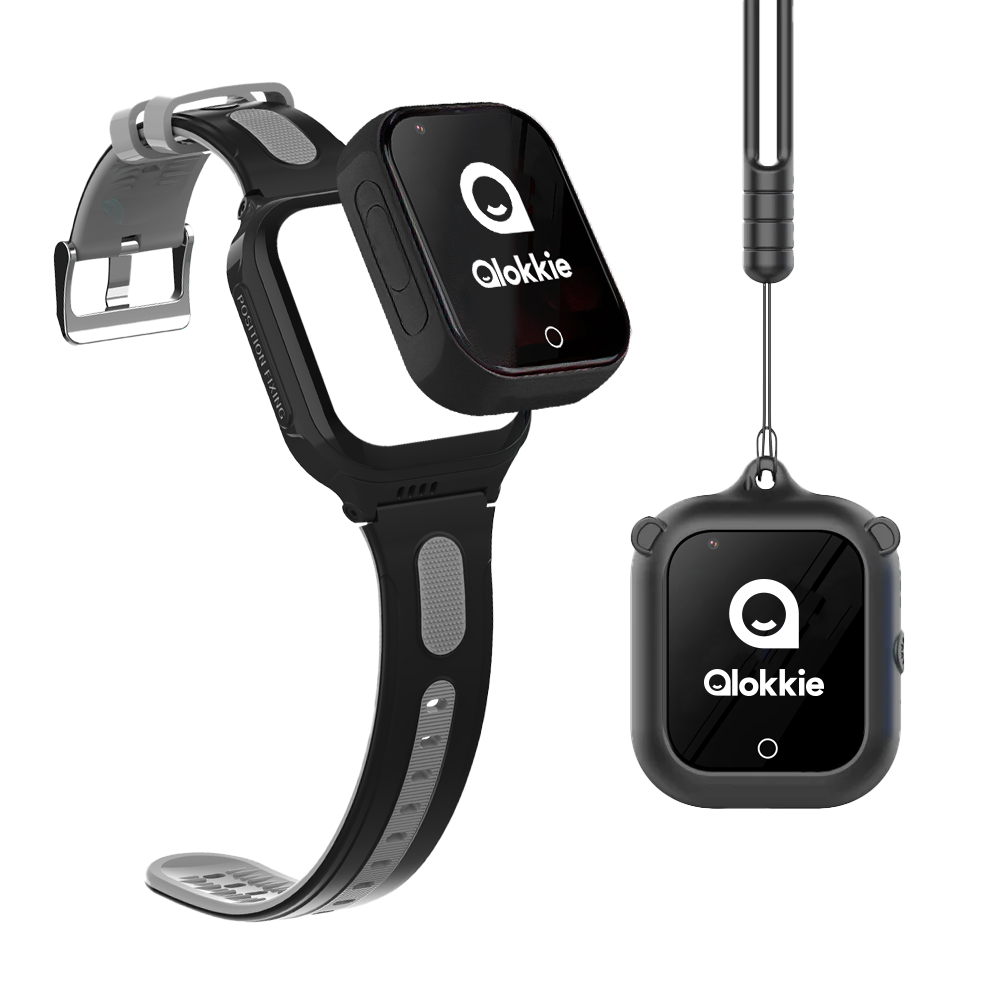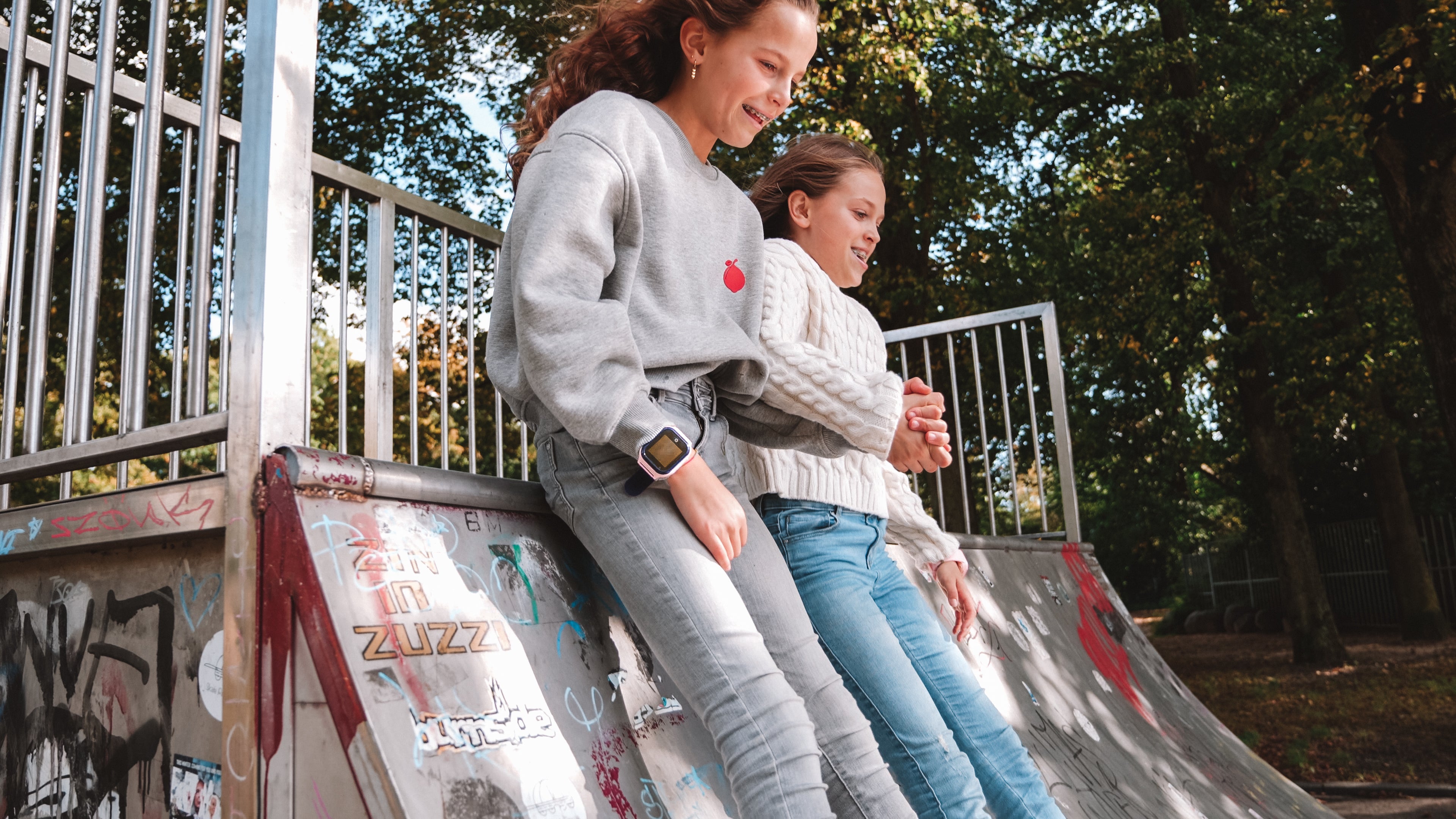

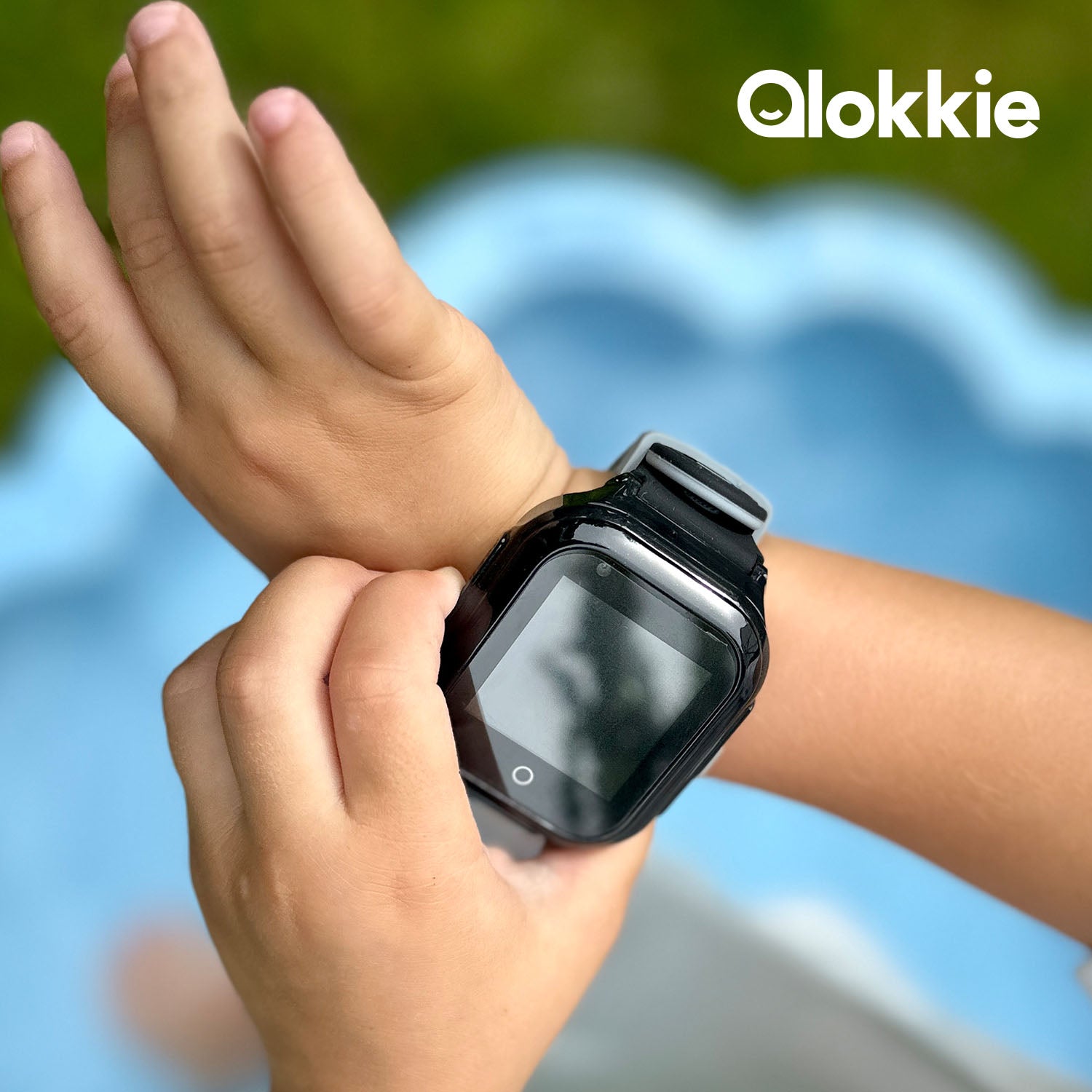
You're looking for a GPS watch or a GPS tracker for your child. But you're not sure what to look for and which features are useful for you and your child. In this article, we'll cover all the features we offer on our watches. Some watches have every feature, but not all. We'll cover all the basic features in this topic, plus one non-basic feature.
What are the basic functions and features of our GPS watches?
The basic function is mainly that you as a parent feel safe when your child goes to school alone, plays outside with friends or does some other activity.
Our watches are designed to display a location at all times. This is achieved through various connection types, including LBS, Wi-Fi, and GPS. More information about connection types can be found here .
All watches we offer have this feature. The same applies to calling, messaging, and the SOS function.
SOS function
The other two functions, calling and sending messages, are self-explanatory.
The SOS function is an important feature to highlight in our GPS watches for kids. As the name suggests, it's an emergency call. If something happens at the playground or Mom and Dad need to be reached quickly, there's an SOS button on the side of our watches. Pressing this button for 3 seconds immediately dials a phone number. It's even possible to dial three numbers in a row; if the first person doesn't answer, the second or third will be called immediately.
Geofencing
Geofencing is a feature that's often mentioned, but often not fully explained. What exactly is geofencing? It's actually quite simple. With this feature, you can specify where your child is not allowed to go. However, this is determined by a specific street. For example, you'll receive a notification if you set the radius to 3 km. If your child walks outside the 3 km radius, you'll receive a notification and can contact your child. This feature is also included in every GPS children's watch we offer.Actually, this function almost needs no explanation.
But some of our GPS children's watches also have a WhatsApp function.
This way, we and our children can easily stay in touch by simply texting each other. Easy, right?
Block unknown numbers
In all watches we have in our range, the contact must be added both in the watch itself and in the app that needs to be installed. Otherwise, your number won't be allowed by the watch's security system. This system blocks any unknown number from calling or sending messages. This way, only people you've added can reach your child.
Do not disturb function
If your child is out and about with the GPS tracker while they're at school, for example, a do not disturb function can be enabled. This prevents notifications from being received on the watch itself. So you can safely take the GPS watch into the classroom.
Video calling
As an added feature, we'll briefly discuss video calling. This is also possible with all our watches, allowing you to see where your child is with peace of mind. This is also possible via WhatsApp.
In any case, these are all the basic functions for our GPS watches.
For more information, please contact our customer service or read our other blogs!